
Office editing without Microsoft cloud
Give users a built-in Office suite for Word, Excel, and PowerPoint documents. Edit within your Citrix-managed environment without requiring Microsoft cloud services.

Deployed through Microsoft Intune, BlackBerry UEM, Citrix, Ivanti or any AppConfig MDM.
View pricing
Not sure which setup fits your environment?
Talk to our team
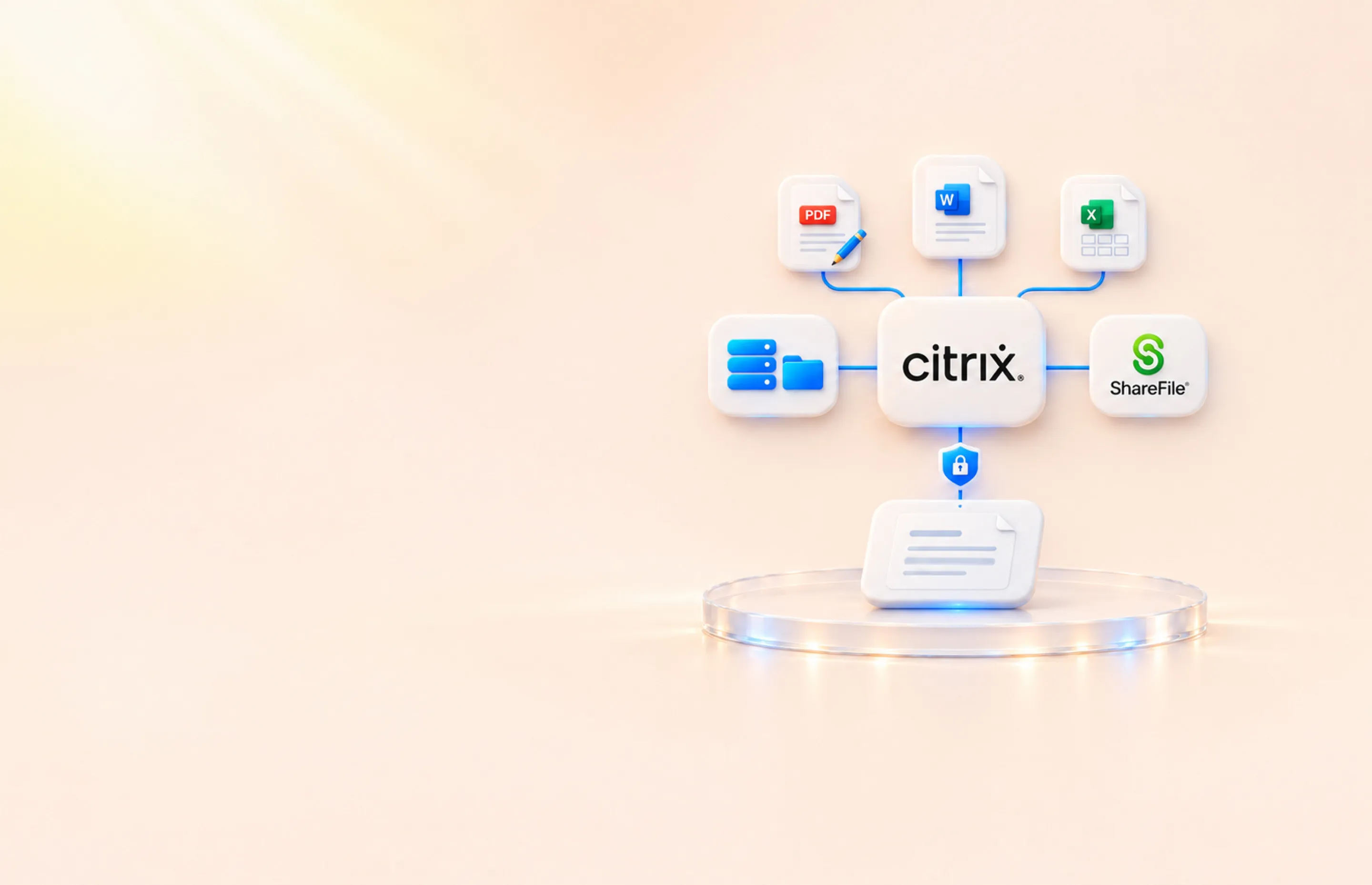
Give users the tools to keep working with corporate documents—without requiring Microsoft cloud services. Notate combines a built-in Office suite, desktop-quality PDF editing, and direct access to ShareFile and on-premises Windows file shares, all managed through Citrix.
Citrix
 Built-in Word, Excel, and PowerPoint editing for on-premises environments.Direct ShareFile access from the same app used to edit documents.Direct access to Windows file shares without requiring ShareFile.PDF annotation, digital signatures, redaction, and document scanning.No vendor cloud; Shafer Systems never receives your content

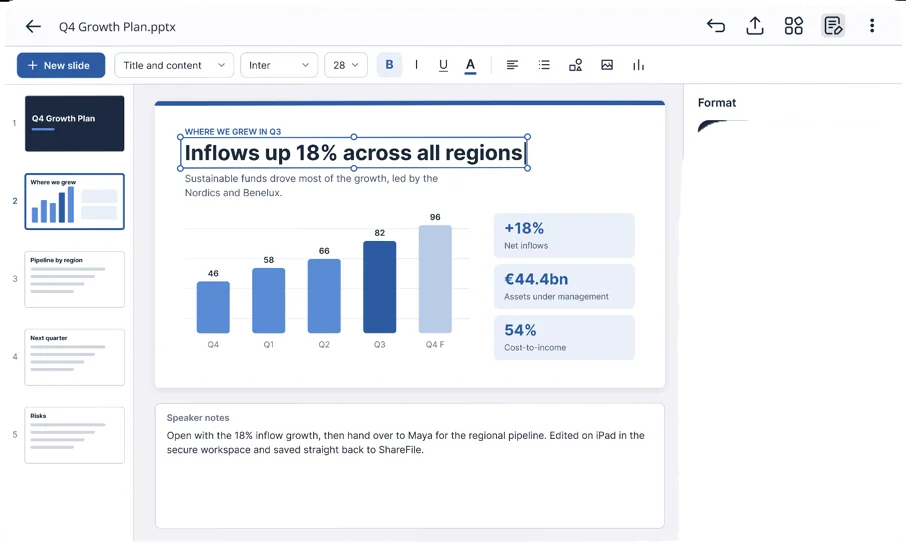
Give users a built-in Office suite for Word, Excel, and PowerPoint documents. Edit within your Citrix-managed environment without requiring Microsoft cloud services.
Open, edit, and save ShareFile documents directly from Notate. Keep your existing repository connected to the tools users need.
Connect directly to on-premises Windows network shares. Let users browse, edit, and save documents back to your file servers without depending on ShareFile for access.
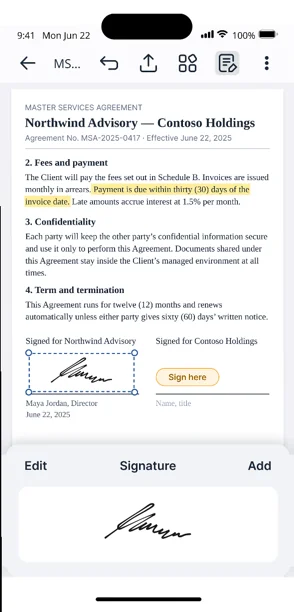
Review, annotate, and sign PDFs, capture handwritten notes, and upload photos, videos, and documents directly to your corporate repositories—all from a Citrix-managed mobile device.
Create and edit Word, Excel, and PowerPoint documents without requiring Microsoft cloud services.
Annotate, digitally sign, fill forms, manage pages, and redact sensitive content.
Capture handwritten and typed notes with images, attachments, and voice recordings.
Scan paper documents and upload photos, videos, and files directly to your corporate repositories.

Keep working without a connection. Save changes back when connectivity returns, with offline files encrypted on the device.
Deploy and configure Notate through Citrix. Control available repositories, editing tools, and security settings through your existing management platform.
Yes. Notate’s built-in Office suite lets users create and edit Word, Excel, and PowerPoint documents without requiring Microsoft cloud services.
Yes. Notate connects directly to on-premises Windows network shares. Users can browse, edit, and save documents back without using ShareFile.
Yes. Users can access ShareFile documents from Notate, edit them, and save changes directly back.
Yes. Users can scan documents, capture notes, and upload photos, videos, and files directly to your corporate repositories.
No. Notate connects directly to your corporate repositories. Your content never passes through Shafer Systems servers.
A 30-day trial, or a demo with the engineers who built it.