


Annotate
Highlight, underline and strike through. Draw freehand, add comments, stamps and sticky notes. Full Apple Pencil support on iPad.

Deployed through Microsoft Intune, BlackBerry UEM, Citrix, Ivanti or any AppConfig MDM.
View pricing
Not sure which setup fits your environment?
Talk to our team
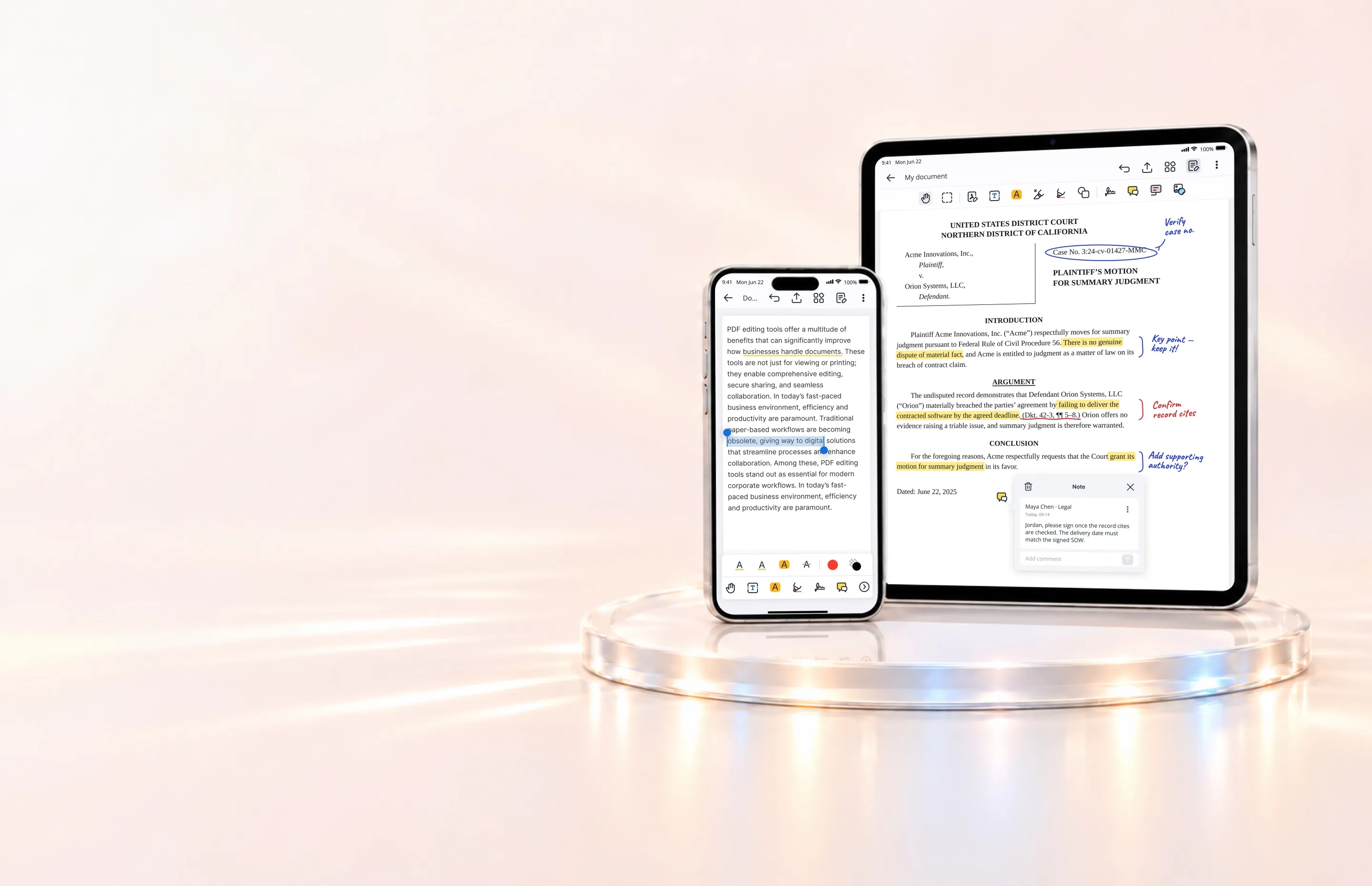
Give users desktop-quality PDF editing on their phones and tablets, protected by your existing security policies. Open documents directly from your corporate repositories and save changes back to their original location. IT controls manage data leakage prevention and app features.
Highlight, underline and strike through. Draw freehand, add comments, stamps and sticky notes. Full Apple Pencil support on iPad.
Edit text directly in the PDF without going back to the source file.
Reorder, insert, delete, rotate, cut, copy and paste pages, and export selected pages. Send back only the pages you changed.
Sign with Apple Pencil or your finger, or place a saved signature. Certificate-based signing proves authenticity and prevents unauthorized changes.
Permanently remove sensitive content from a PDF. Mark content, review your selections, and apply redactions.
Add images, stamps, saved markup, links and audio notes to a page.
Complete and save PDF forms, then send them on from inside Notate.
Share the full document or just the pages you marked up.
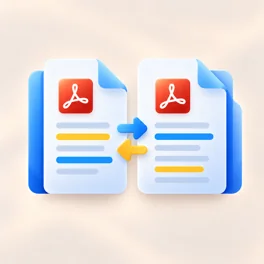
View previous and current versions side by side, then keep the current version or restore an earlier one.
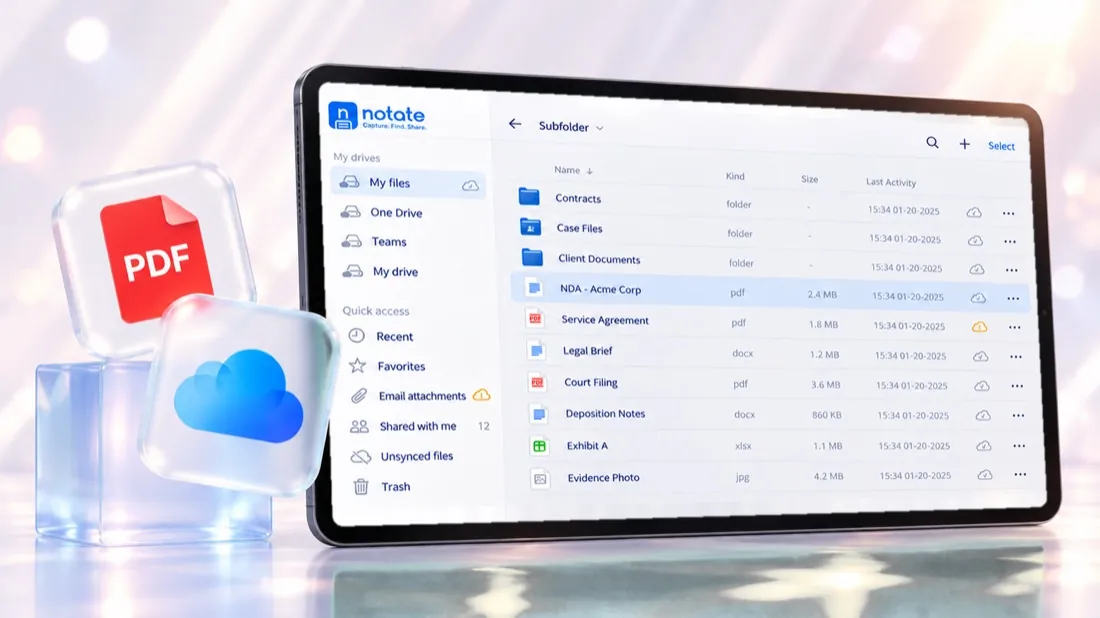
Where files live
A PDF in SharePoint, an attachment in Outlook, a scan from the field: each opens in the same editor and saves back in place. There is no download step and no copy left on a personal drive.
How Notate reaches your documents →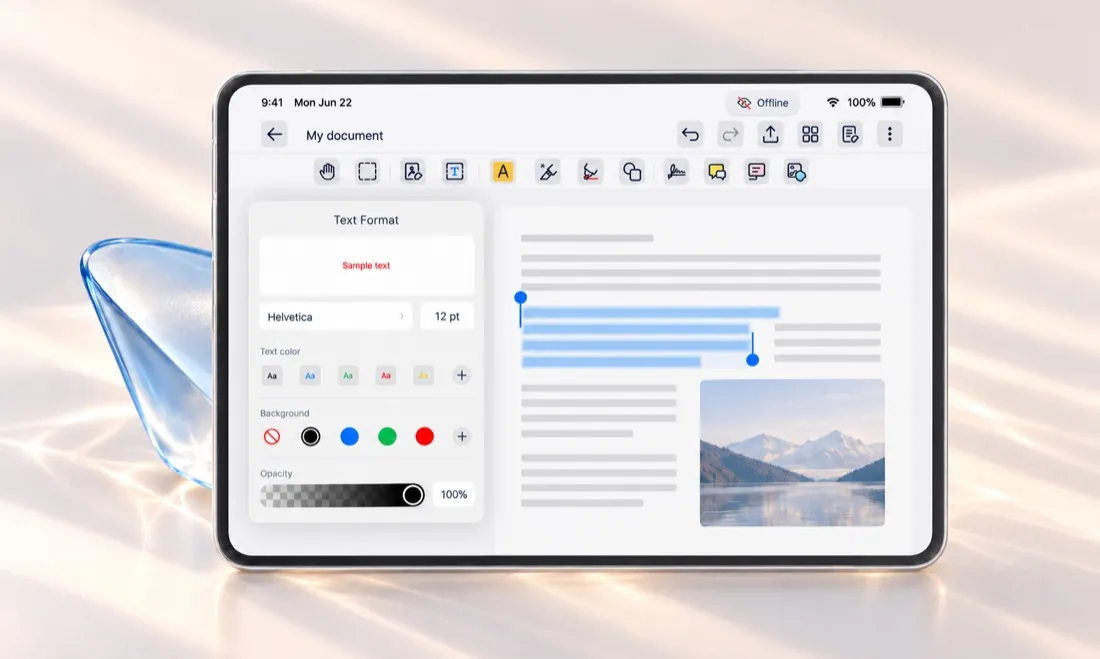
Work anywhere
Make documents available offline before a flight or site visit. Keep editing without a connection, with files encrypted on the device. Changes sync back when connectivity returns.
What stays under IT control →Compared with a general PDF app
The PDF tools users need, connected to your corporate repositories and governed by your existing security policies.
With Notate you can edit native PDF content, apply annotations, and securely redact sensitive data permanently.
Yes. Handwriting, drawing and markup support Apple Pencil on iPad.
Yes. Notate Desktop runs in the browser on Windows and Mac with nothing to install. Organizations on Exchange on-premises use the installed Legacy Desktop apps.
Try Notate Live runs in the browser. For a managed deployment, start a 30-day trial through sales.
A 30-day trial, or a demo with the engineers who built it.