



Managed through the tools IT already uses.
Deploy Notate through your existing device management platform. Connect directly to Microsoft 365, on-premises Exchange, and network shares under your existing sign-in and access policies. Your documents never pass through Shafer Systems servers. Enable the optional AI assistant using your own Azure AI service.
What stays under your control
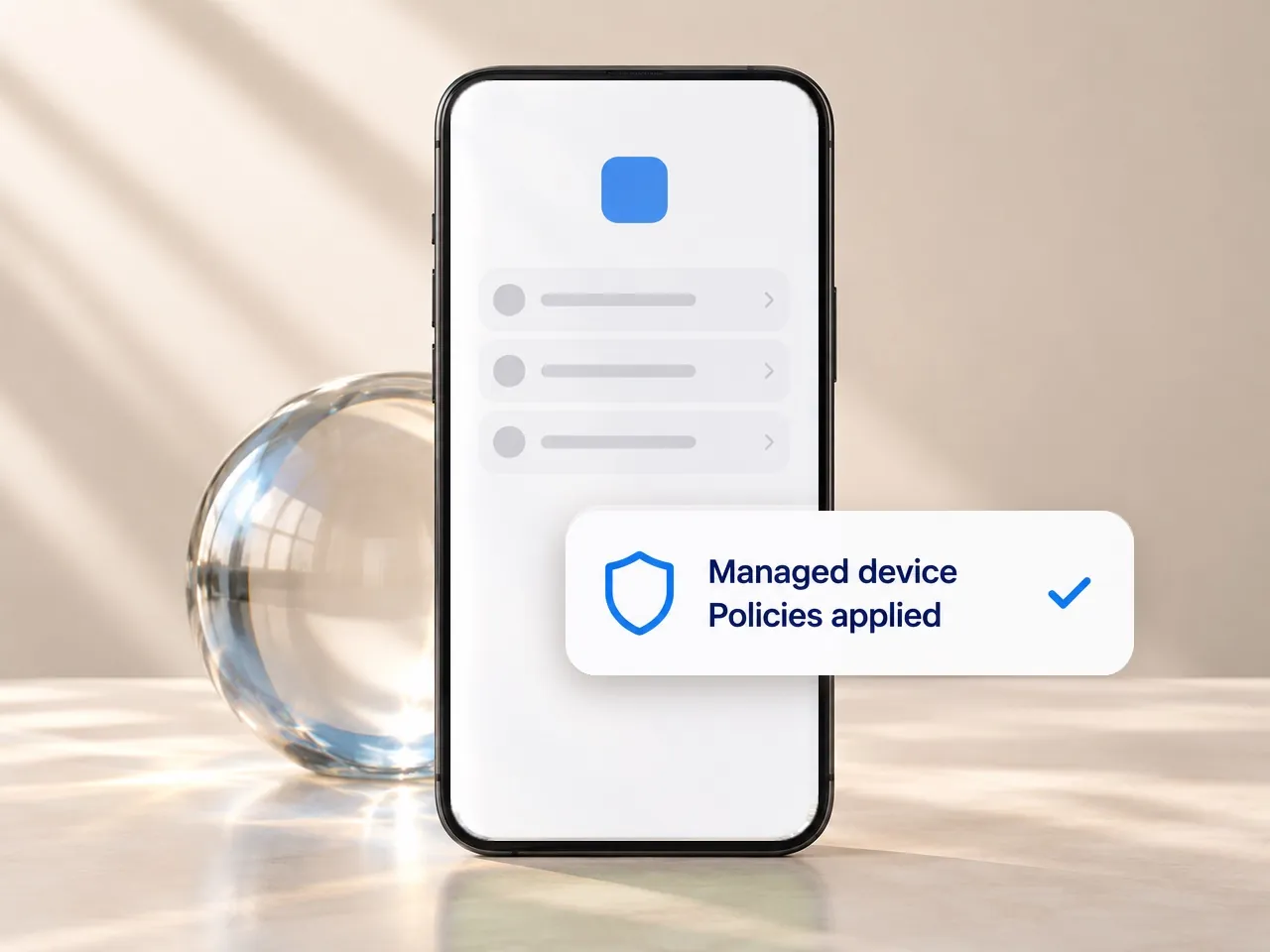
Devices
Microsoft Intune, BlackBerry UEM, Citrix, Ivanti, any AppConfig-compatible MDM
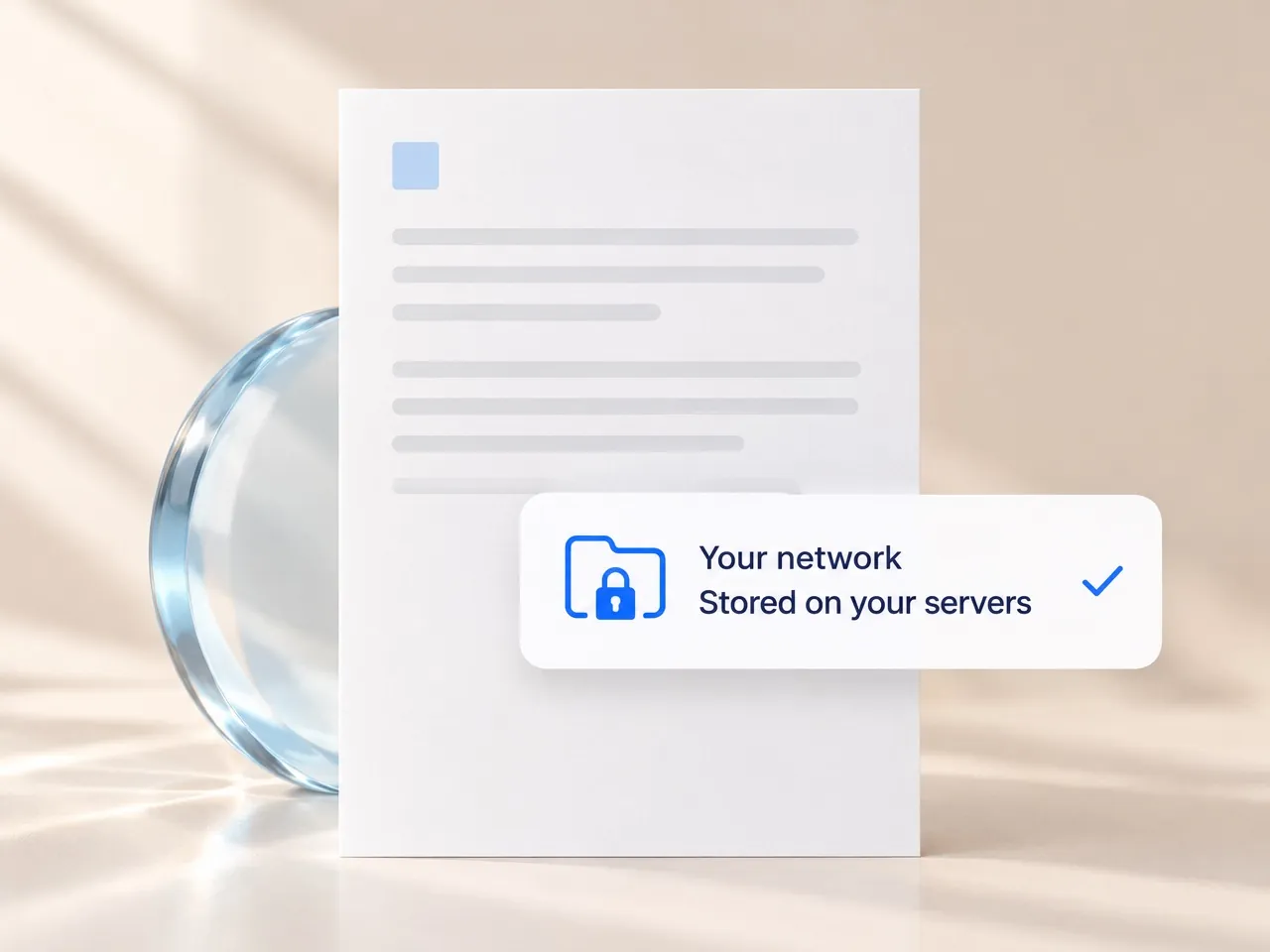
Data
Your data remains only on your own network. Documents, notes and email never pass through or rest on Shafer Systems servers.
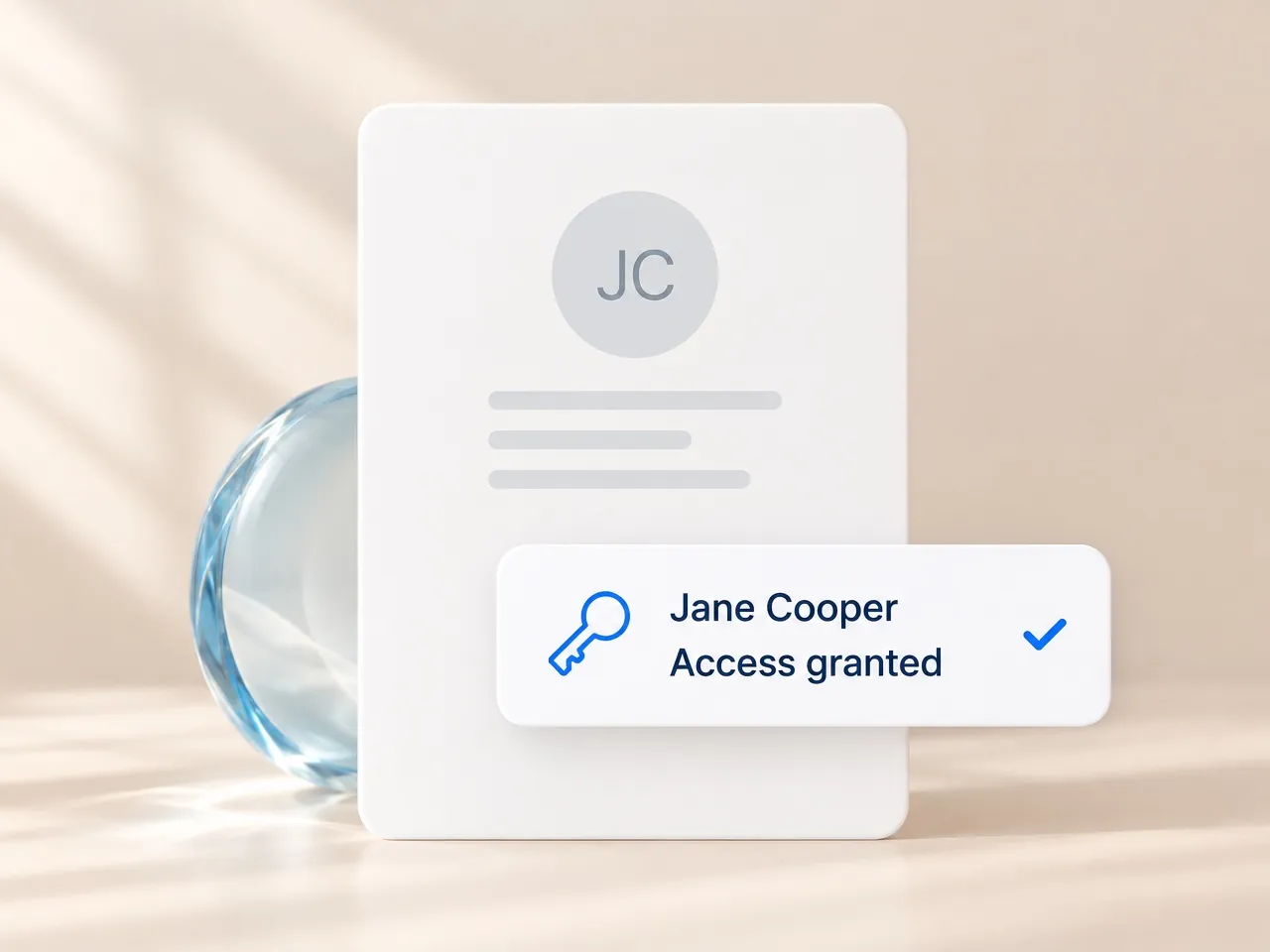
Identity
Your existing authorization and repository permissions, with conditional access where configured.
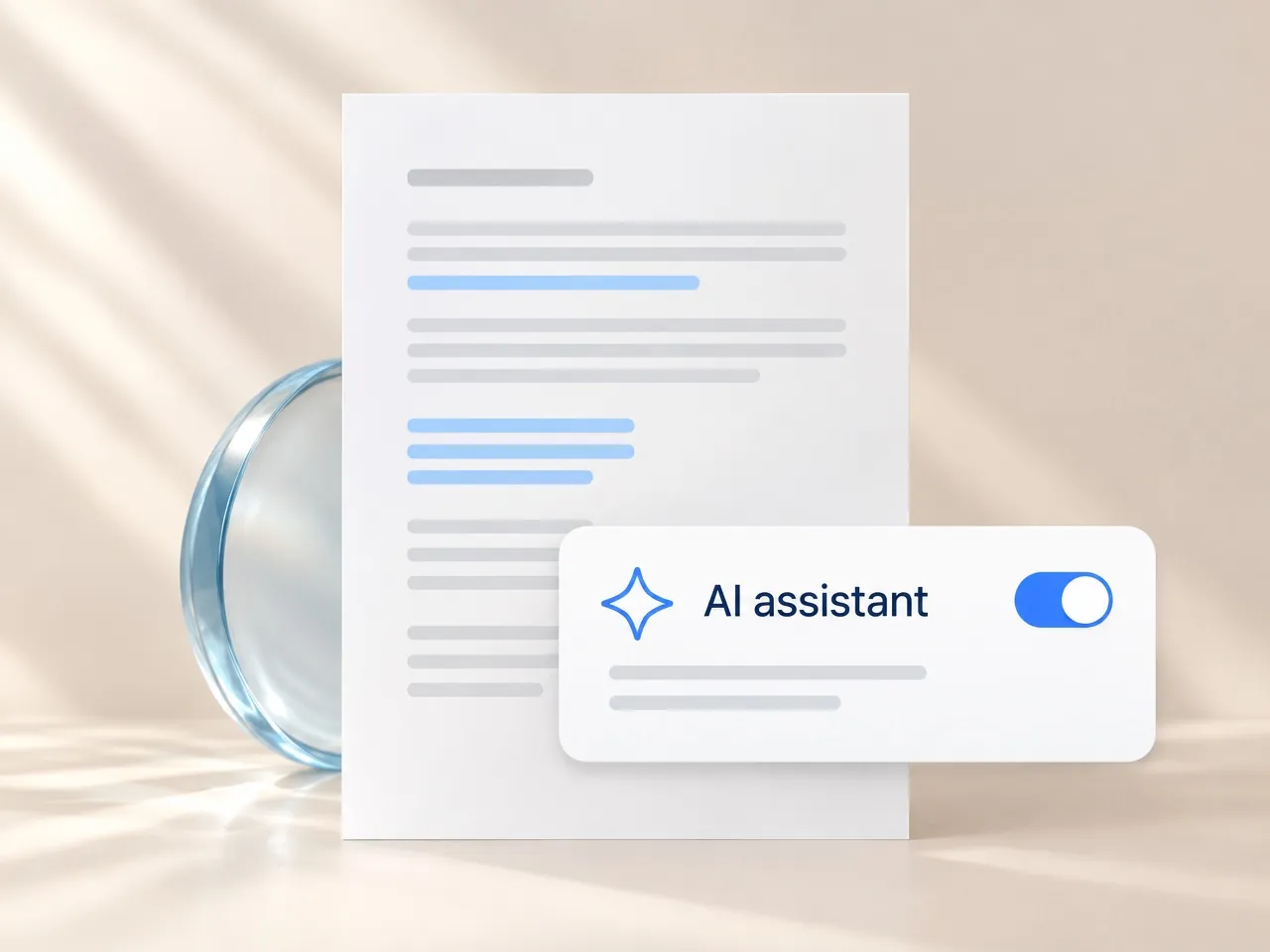
AI
Runs on your own Azure AI service, under your work sign-in. Off by default; conversations are not stored.
What your security team gets

Device management
Deploy, configure, license, and remotely wipe Notate through the management console you already use. Supports Microsoft Intune, BlackBerry UEM, Citrix, Ivanti, and AppConfig-compatible MDM.
Data containment
Documents stay in your existing repositories. Notate Drive stores notes and files in each user’s own OneDrive or Exchange mailbox. Shafer Systems never receives your content.
Policy control
Decide which tools and repositories users can access. Manage text editing, redaction, the AI assistant, and storage settings through app policies.
No vendor servers in the data path
Notate connects directly to your repositories using your existing authentication and access controls. Documents never pass through a Shafer Systems service.
Secure offline work
Let users keep working without a connection. Your MDM policies govern data leakage protection, and offline files stay encrypted.

Redaction and digital signatures
Permanently remove sensitive content from PDFs and apply certificate-based digital signatures when required.

Your documents. Your Azure AI. Your control.
Connect Notate to your organization’s own Microsoft Azure AI service using your work sign-in. The assistant is off by default and enabled by IT. Conversations are not stored, and Shafer Systems never receives your content.
Configure your Azure AI integration → Understand documentsSummarize content and ask questions about a document.
- Review and actHighlight passages, add comments, propose redactions for review, and fill forms—with confirmation before placing a signature.
- Capture informationTranscribe meeting recordings and convert handwriting to text.
For your security review
| Topic | Answer |
|---|---|
| Data storage | Documents remain in your existing Microsoft 365, on-premises Exchange, or file-share environment. Offline files stay encrypted on managed devices. Shafer Systems never receives your content. |
| Device management | Microsoft Intune, BlackBerry UEM, Citrix, Ivanti (formerly MobileIron), any AppConfig-compatible MDM |
| Identity and access | Uses your existing authentication and repository permissions. Supports Microsoft 365 and fully on-premises environments. |
| AI assistant | Optional; Connects to your own Azure AI service. Conversations not stored. |
| Deployment | Deploy and configure Notate through your existing device management platform. |
| Security documentation | Security Overview, Solution Architecture Guide and Intune Data Flow documents are available in the support center. |
See Notate in your environment.
A 30-day trial, or a demo with the engineers who built it.