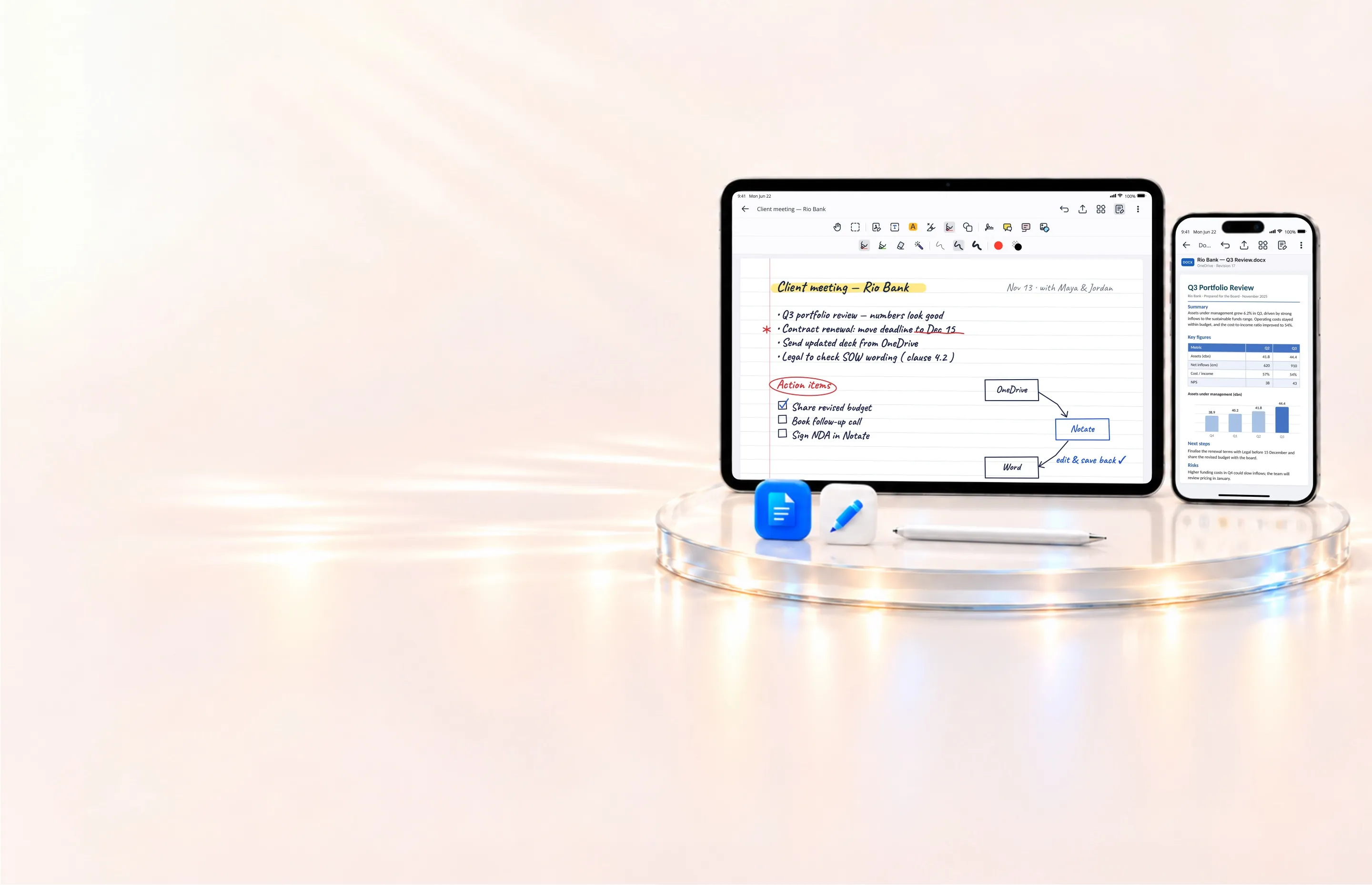

Notate on a tablet showing handwritten meeting notes and on a phone showing a Word file

Microsoft Office editing. Secure handwritten notes. One connected workflow.

Open Word, Excel, and PowerPoint files from SharePoint, OneDrive, or even an on-premises network share. Edit in your Microsoft Office apps and save directly back to the original location. Capture handwritten notes and recordings in Notate—all within your organization’s secure environment.

Microsoft Office editing—even from a network share

  1. 1. Find it in Notate

    Browse to a Word, Excel, or PowerPoint file in your corporate repositories—including on-premises SMB network shares.

  2. 2. Edit in Microsoft Office

    Open the file directly in Word, Excel, or PowerPoint, using the familiar editing tools your users already know.

  3. 3. Save back in place

    Save changes directly to the original repository—even when the file lives on a network share. Email attachments return to Notate to reply and send.

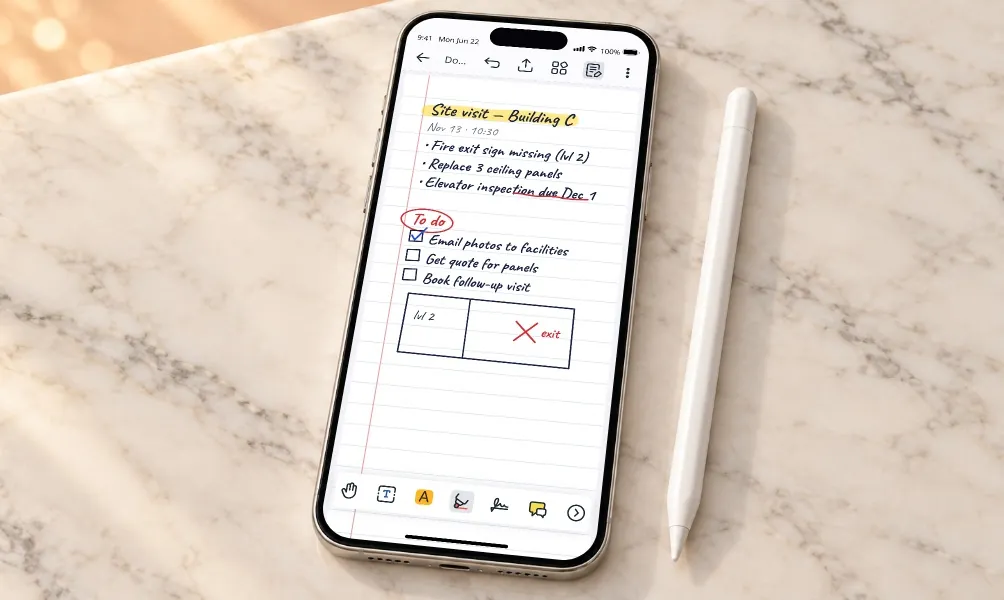
Notate on a phone showing a handwritten site-visit note, next to an Apple Pencil

Natural note-taking. Corporate security.

Capture meeting notes, sketches, and site observations with handwriting, text, images, and voice recordings. Organize and share them within your existing environment, protected by your organization’s security policies.

Handwritten notes, attached images, voice recording, folders and a security shield
  • Handwrite, type or draw, with full Apple Pencil support
  • Rich formatting, embedded images, screenshots and attachments
  • Voice recording attached to the note
  • Folders and smart folders to structure and share notes
  • Notes stay inside your environment like every other document

One place to come back to

Notate connects your corporate repositories to the tools users need. Edit Office documents, capture notes, and save or send finished work—all within your organization’s security policies.

Notate integrates with Microsoft Word, Excel, and PowerPoint for editing. When those apps are unavailable or you’re offline, Notate’s built-in editor lets you keep working.

Yes. Create Word, Excel, and PowerPoint documents from Notate and save them directly to your corporate repositories.

Yes. Share note folders with your team and use threaded discussions and sticky notes for feedback—all within your secure environment.

Yes. Open Word, Excel, and PowerPoint files from an SMB network share in your Microsoft Office apps, then save changes directly back to the same location.

See Notate in your environment.

A 30-day trial, or a demo with the engineers who built it.