



The PDF editor for Microsoft Intune.
A full PDF editor, notes and a document browser for Microsoft 365, deployed and configured through Intune with every app policy delivered by your MDM. Certified by Microsoft Intune.
Intune
What IT gets
 Deploy, configure, and remotely wipe through Intune.
- Control document sources, editing tools, and AI through app configuration policies.
- Use your existing work sign-in and access permissions.
- Connect directly to SharePoint, OneDrive, Teams, Exchange, and on-premises network shares.
- Enable an optional AI assistant using your own Azure AI service.


Deployment through Intune
-

1. Assign the app
Add Notate PDF for Intune and assign it to a pilot group or the teams that need it.
-
2. Apply the app configuration
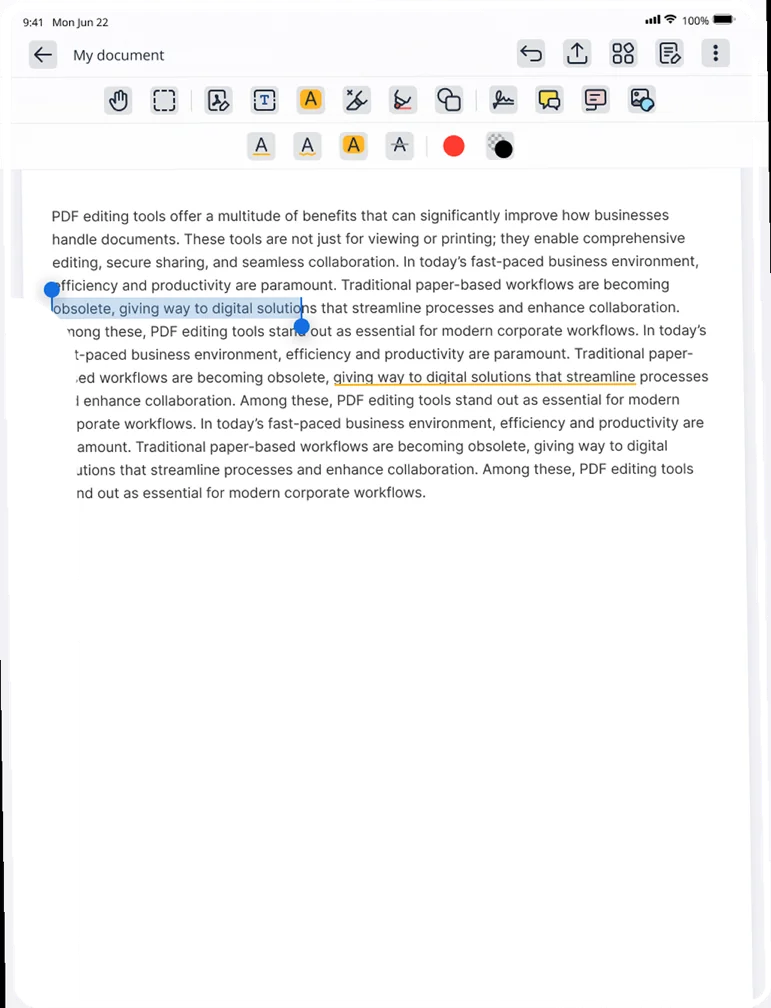
Use app configuration policies to choose available repositories, enable editing tools, and configure Notate Drive and the optional AI assistant.
-
3. Configure Access
Grant the required Microsoft Entra ID permissions and configure connections to your corporate repositories.
-
4. Users sign in and start working
Users sign in with their existing work account and access the documents and tools you’ve enabled.
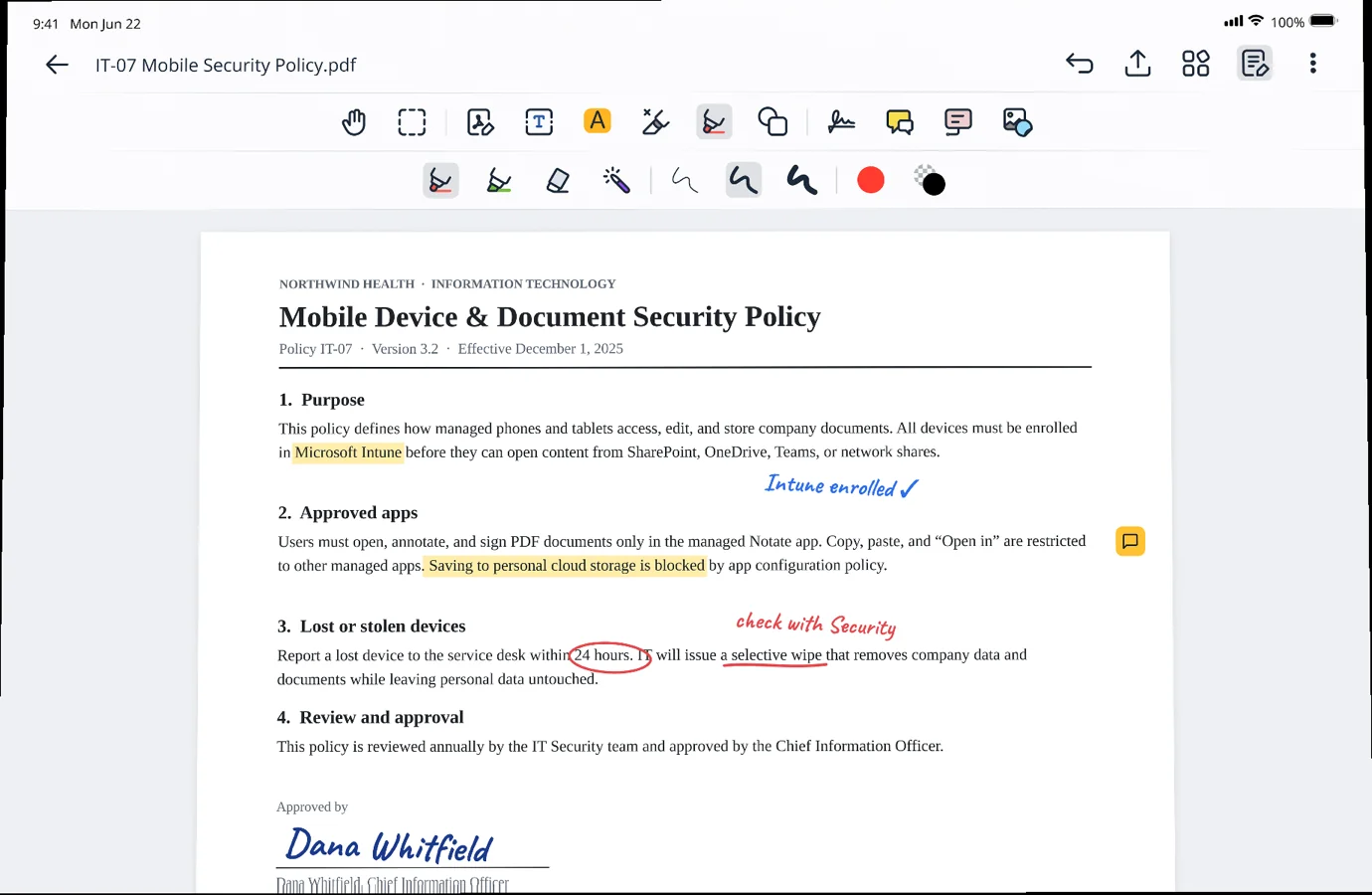
PDF editing connected to your corporate repositories.
Give users more than a standalone PDF editor. Notate connects to SharePoint, OneDrive, Teams, Exchange, ShareFile, and on-premises network shares—all from one app managed through Intune. Users can edit PDFs, capture handwritten notes, and open Office documents in Microsoft Office apps—even from a network share—and save changes directly back. Company content never passes through Shafer Systems servers.
The PDF editor →


Built for your Intune environment
Intune app protection
Manage Notate through Intune, with the data-flow documentation available to support your security review.
Connected to Microsoft 365
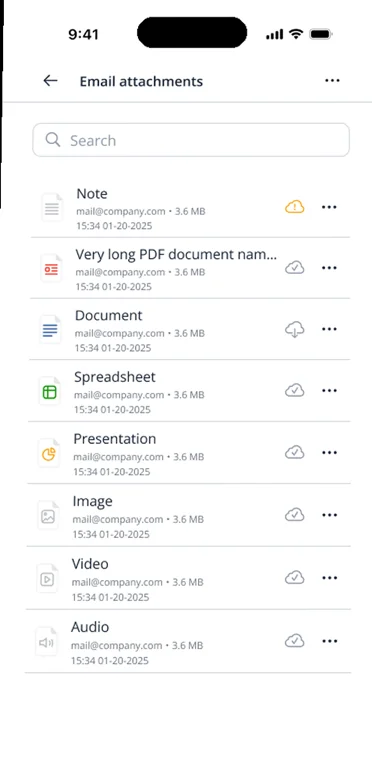
Access SharePoint, OneDrive, Teams, and Exchange using your work sign-in. Notate Drive stores notes and files in each user’s own OneDrive.
Your AI. Your environment. Your control.
Use your own Azure AI service to work with your corporate documents. Content goes directly to your organization’s Azure AI resource—never through Shafer Systems servers or a separate vendor-hosted AI service.
Access beyond Microsoft 365
Open and edit documents from on-premises SMB network shares, and ShareFile, alongside your Microsoft 365 repositories.

Work across devices
Use Notate on iPhone, iPad, and Android, with browser access on Windows and Mac.
Buy through your reseller
Purchase through SHI, SoftwareOne, CDW, Insight, or Carahsoft—or work directly with our team.
Questions about Notate for Intune
Use Intune app configuration policies to choose available repositories, control editing tools, and configure Notate Drive and the optional AI assistant. The Administrator’s Guide provides the configuration file and policy reference.
No. Users sign in with their existing Microsoft 365 work account.
No. Notate connects directly to your repositories and saves changes back. Notate Drive stores notes and files in each user’s own OneDrive. Your content never passes through Shafer Systems servers.
Yes. Assign Notate to a pilot group in Intune and contact our team to arrange a 30-day trial.
See Notate in your environment.
A 30-day trial, or a demo with the engineers who built it.