


SharePoint, OneDrive and Teams
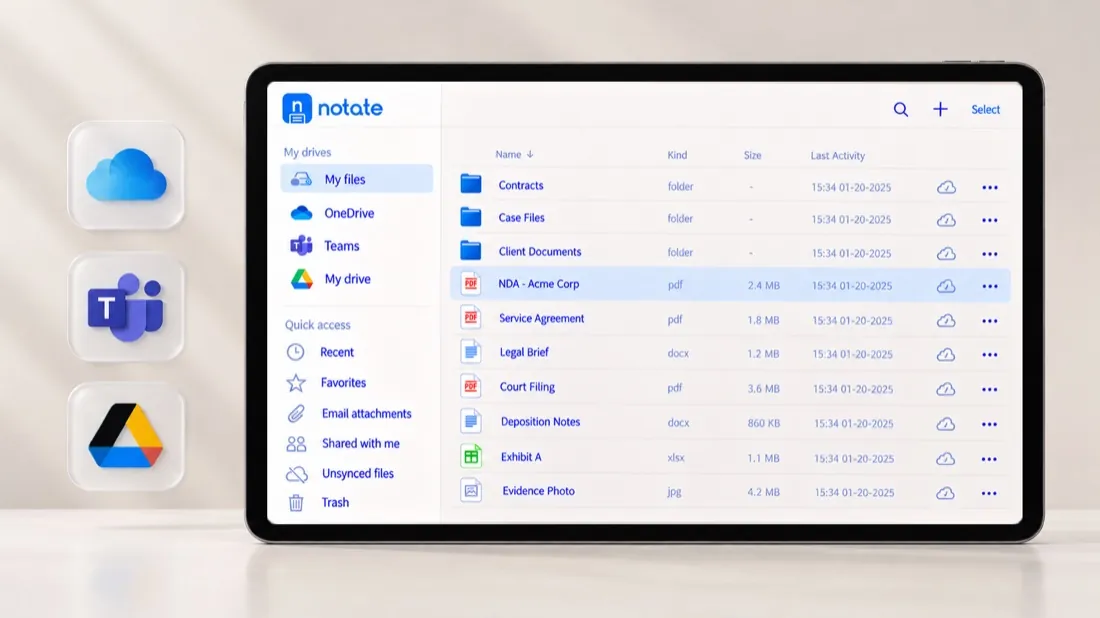
Browse sites, libraries and channels. Open a file, edit it, and the change lands where colleagues expect it.

Deployed through Microsoft Intune, BlackBerry UEM, Citrix, Ivanti or any AppConfig MDM.
View pricing
Not sure which setup fits your environment?
Talk to our team
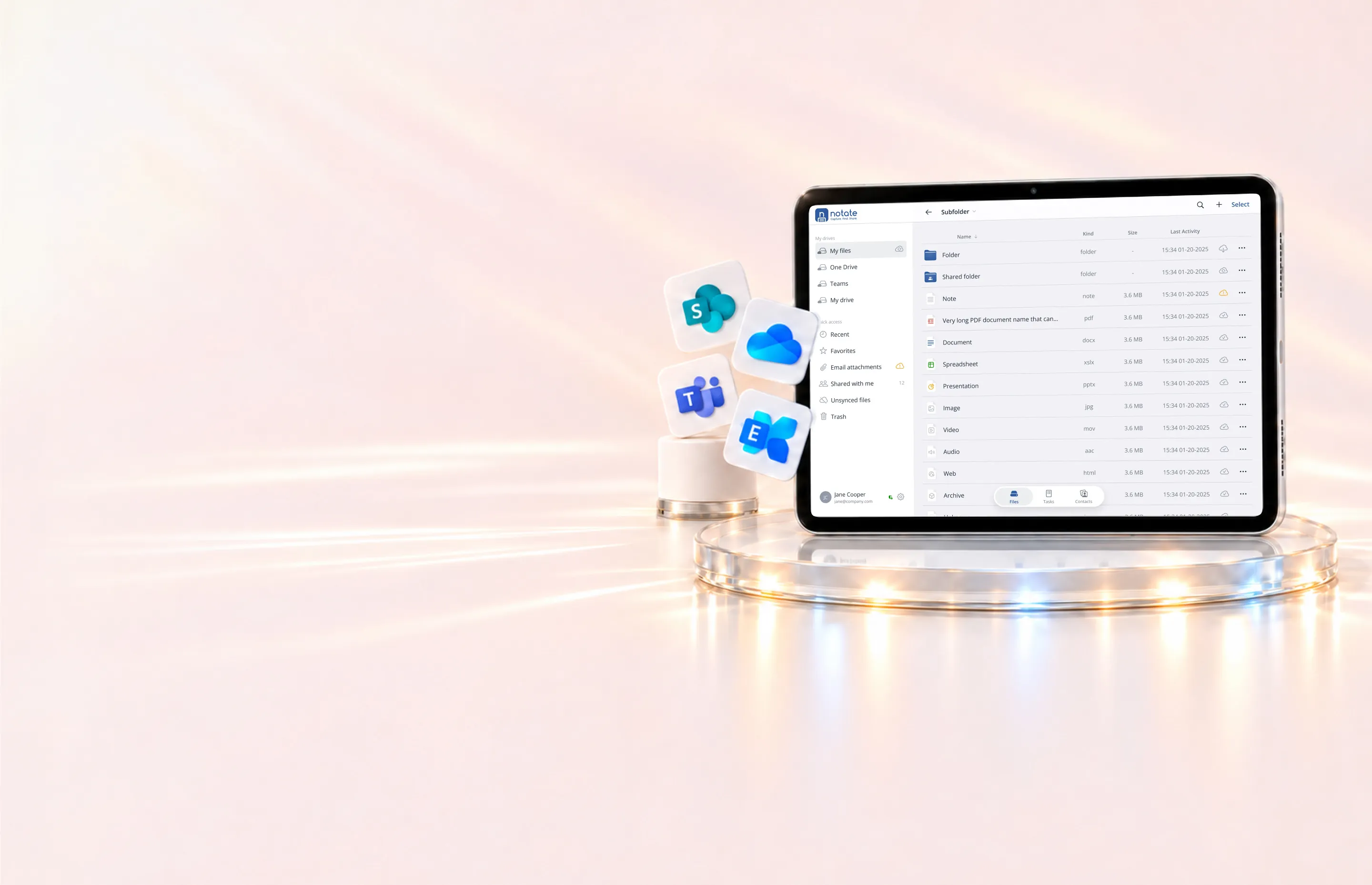
Give users secure access to your corporate repositories from one app. Documents stay where they are, changes save directly back, and existing permissions remain in force. No migration or new storage required.
Browse sites, libraries and channels. Open a file, edit it, and the change lands where colleagues expect it.

Open an attachment from Exchange, mark it up, and send back only the pages you changed. Supports Exchange Online and Exchange Server on-premise.
Open, edit, and save documents on your on-premise SMB file shares from a phone or tablet, under your organization’s security policies.
Work on documents shared with clients and counterparties without moving them.
A personal workspace for notes and files, shown in Notate as My Files. Stored in each user’s own OneDrive or on-premises Exchange mailbox. Shafer Systems never receives your content.
Word, Excel and PowerPoint open from Notate in your Microsoft Office apps and save straight back.
How that works →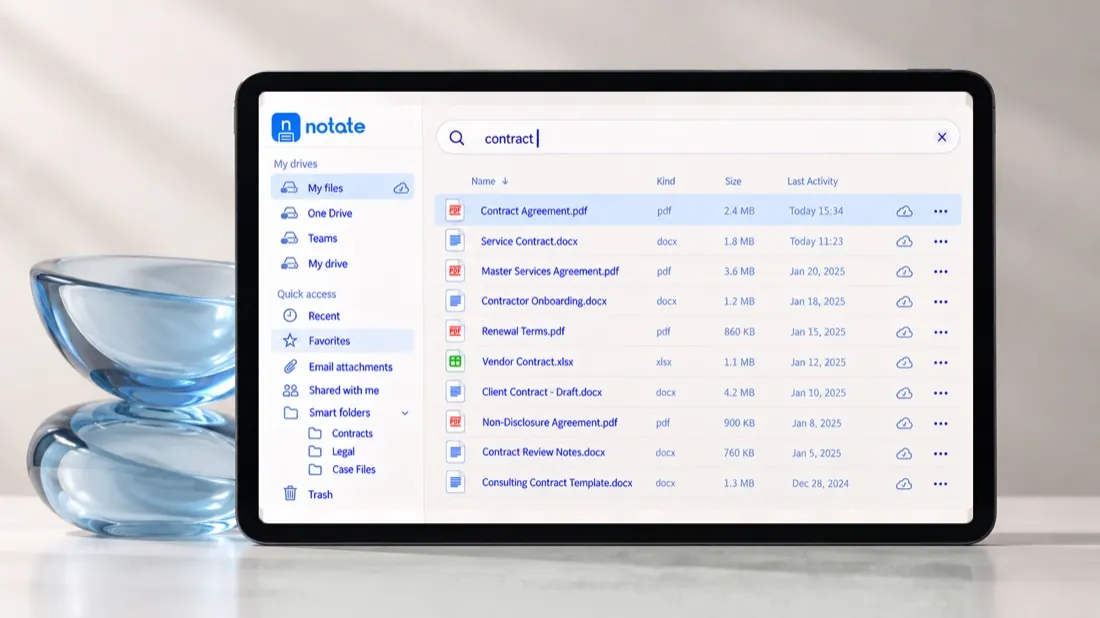
Keep what you have
Give users a new way to work with the documents you already manage. Files, permissions, and retention remain in your existing repositories. There’s no new storage platform to maintain—and no migration out if you stop using Notate.
Find faster
Browse your connected repositories from one sidebar. Use favorites, smart folders, and search to find documents quickly, without switching between apps.
No. Notate opens and saves documents in your existing repositories. Notes and files saved to Notate Drive stay in each user’s own OneDrive or on-premises Exchange mailbox.
Yes. Users can access only the documents their repository permissions allow. You continue managing access in your existing systems.
Yes. Notate connects to on-premises SMB network shares, so users can open, edit, and save documents from managed mobile devices.
Yes. Notate supports fully on-premises environments, including Exchange Server and Windows network shares. Microsoft 365 is not required.
A 30-day trial, or a demo with the engineers who built it.